How It Works
A step-by-step guide for every user role in the PaspasFood ecosystem.
For Customers
Ordering Food Made Simple
From craving to doorstep in just a few taps.
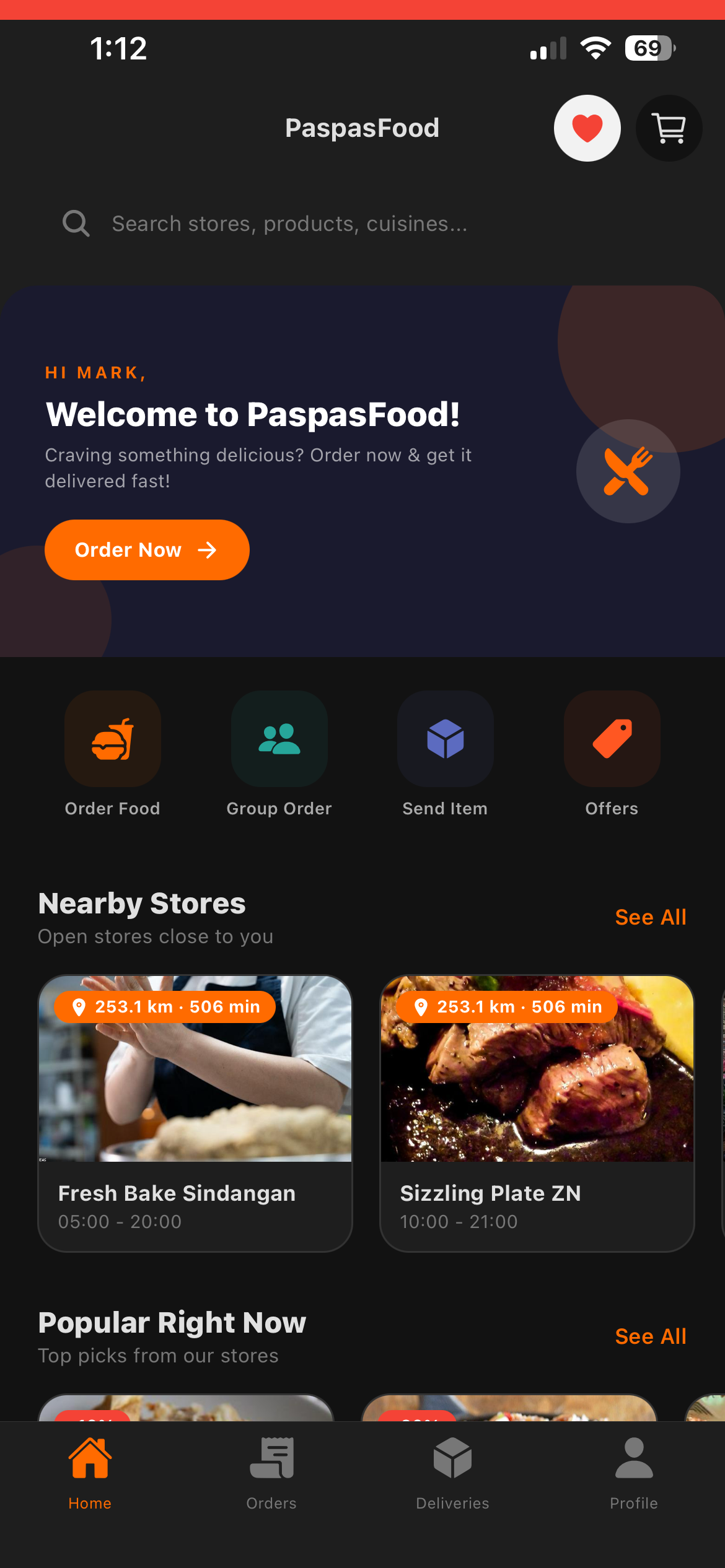
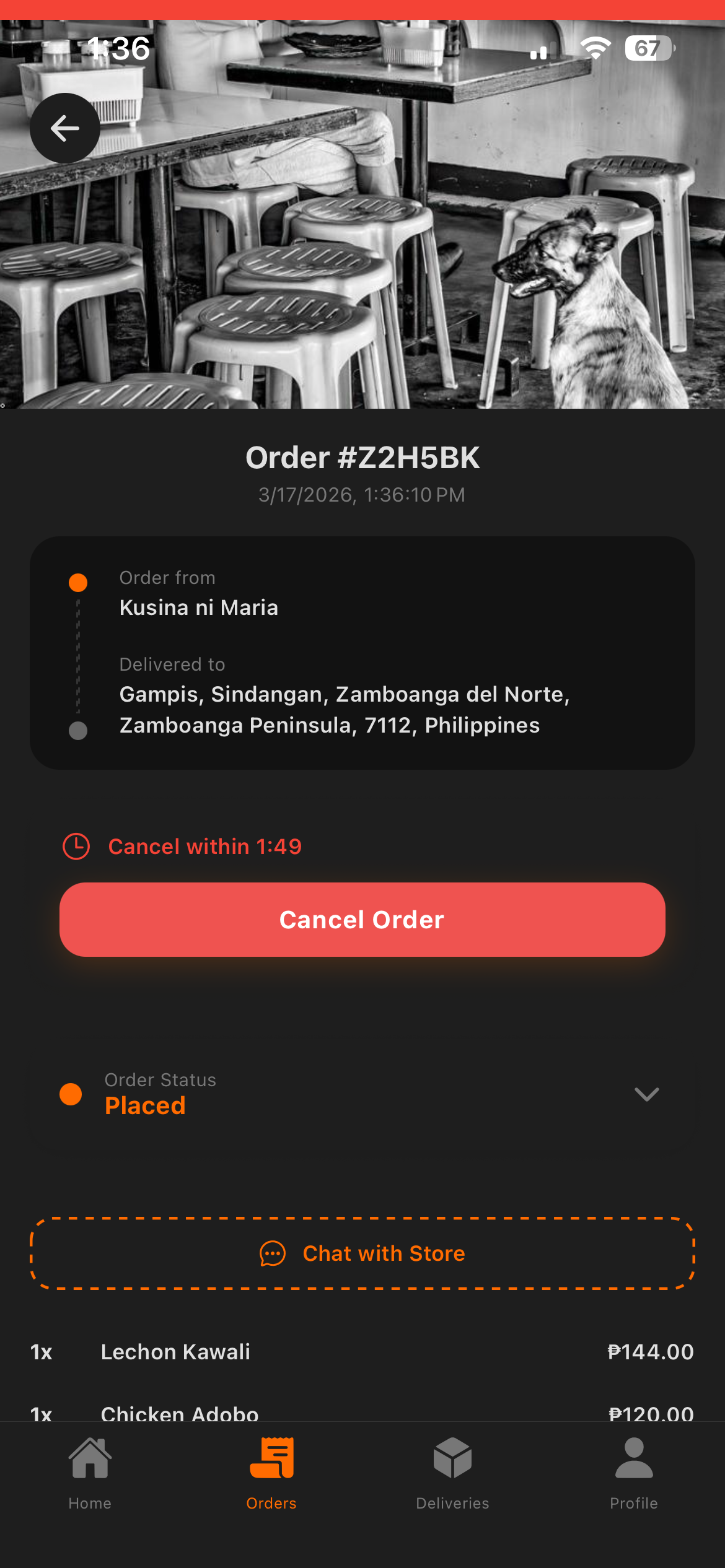
Browse Stores
Open the app, explore nearby stores, browse categories, and view menus with photos and prices.
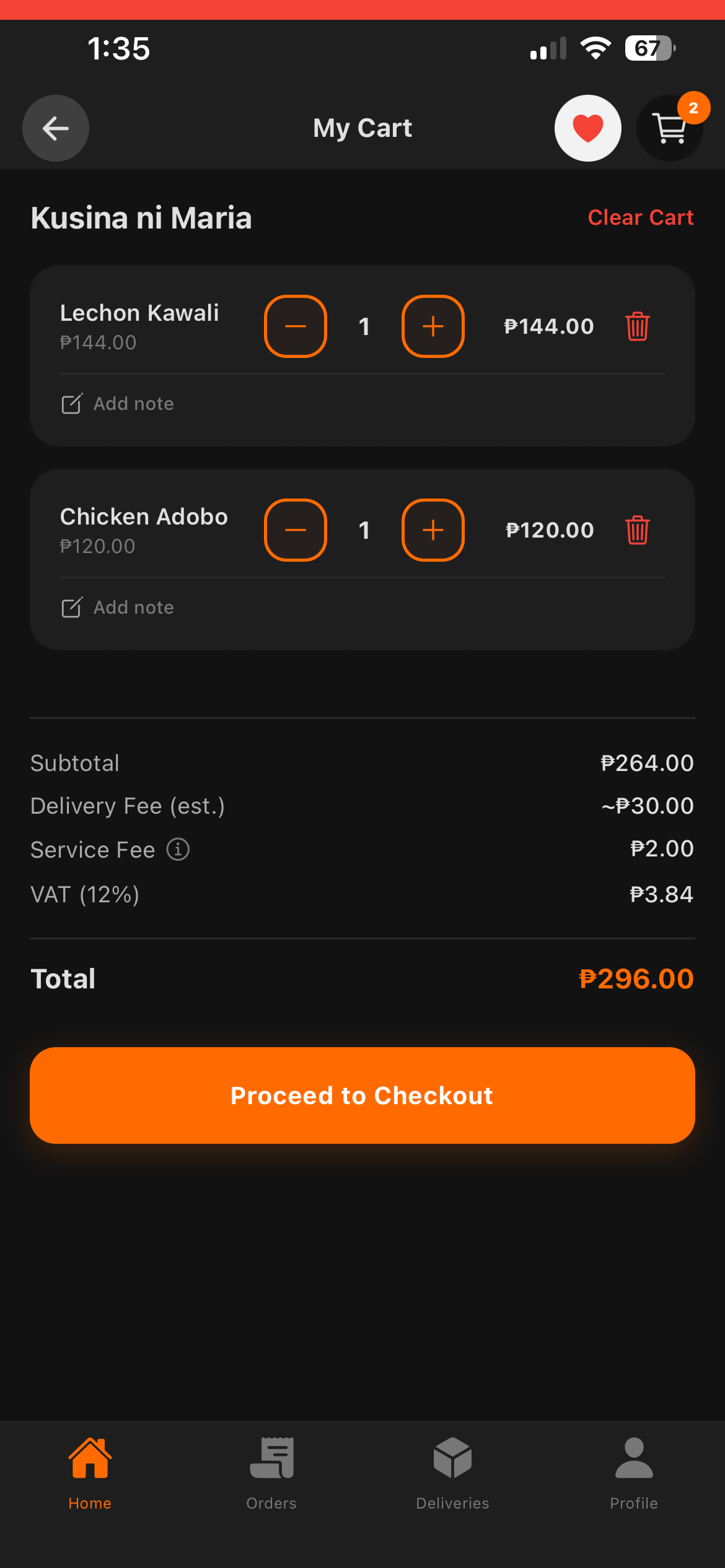
Add to Cart
Select your items, customize with options (size, add-ons), set quantity, and add to cart.
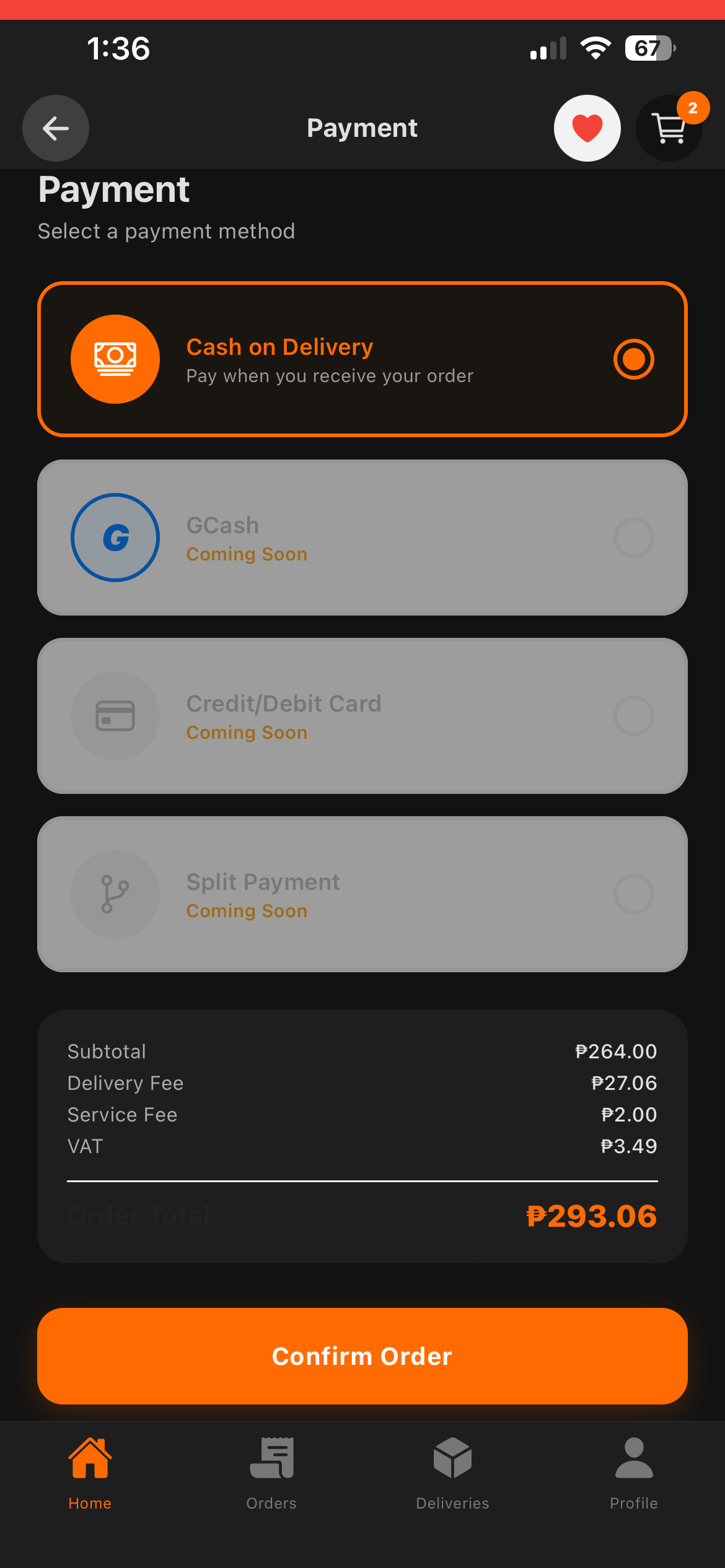
Checkout & Pay
Choose your delivery address or pin it on a map, select payment method (COD), apply coupons, and place your order.
Track & Receive
Watch your order status update in real-time. Track your rider on the map and receive your food.
For Store Owners
Manage Your Store Effortlessly
From setup to daily orders — everything in your pocket.
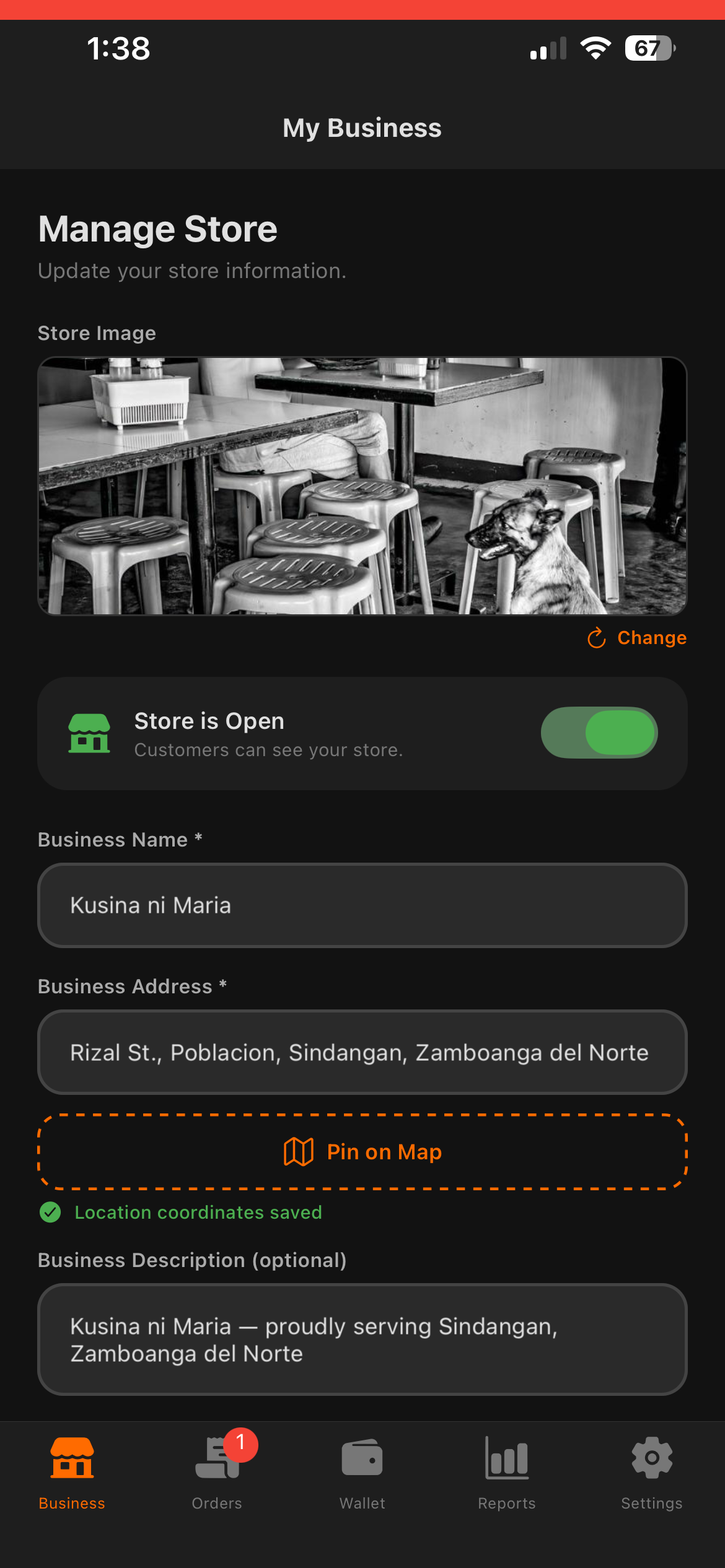
Register & Setup
Sign up, set up your store profile with logo, address, operating hours, and pin your location on the map.
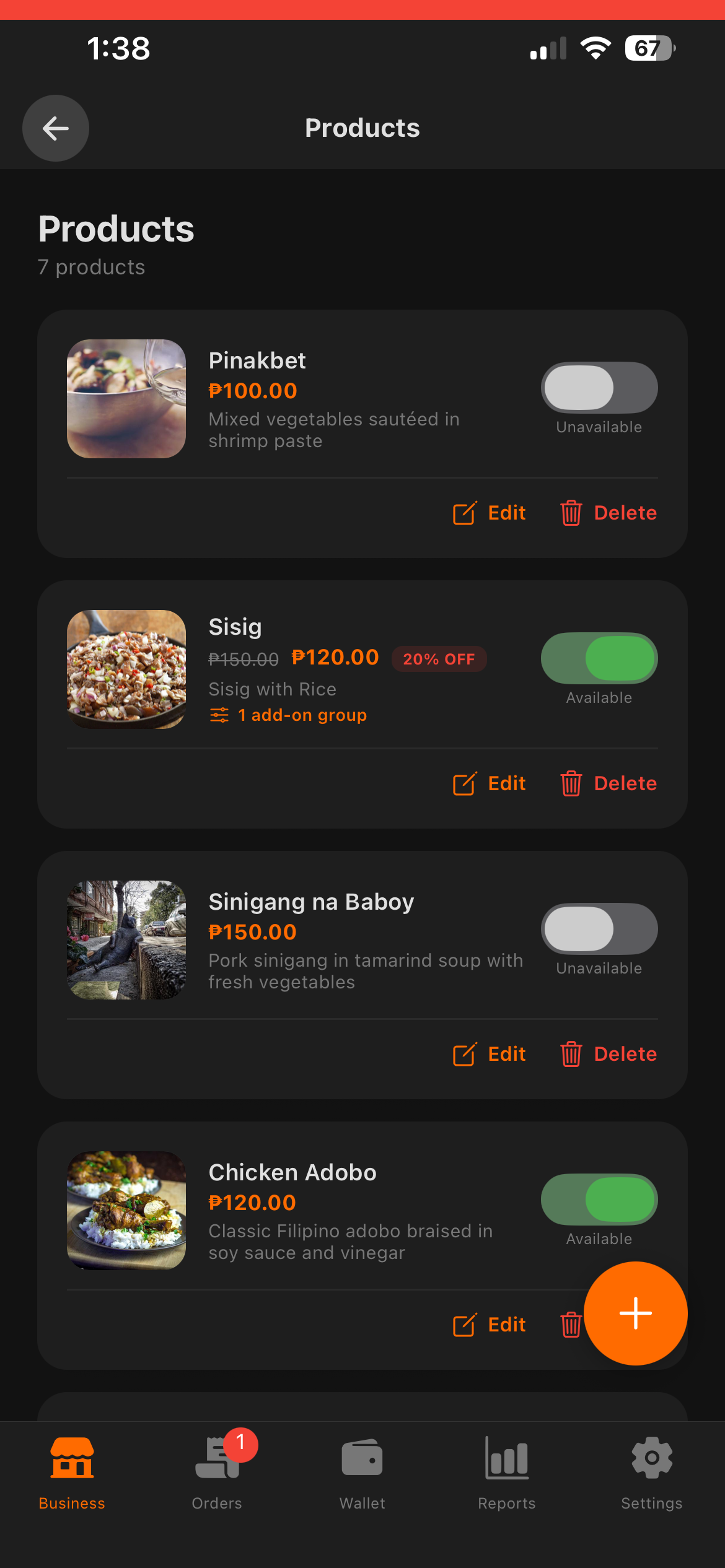
Add Products
Create your menu with categories, products, prices, images, and customizable options (sizes, add-ons).
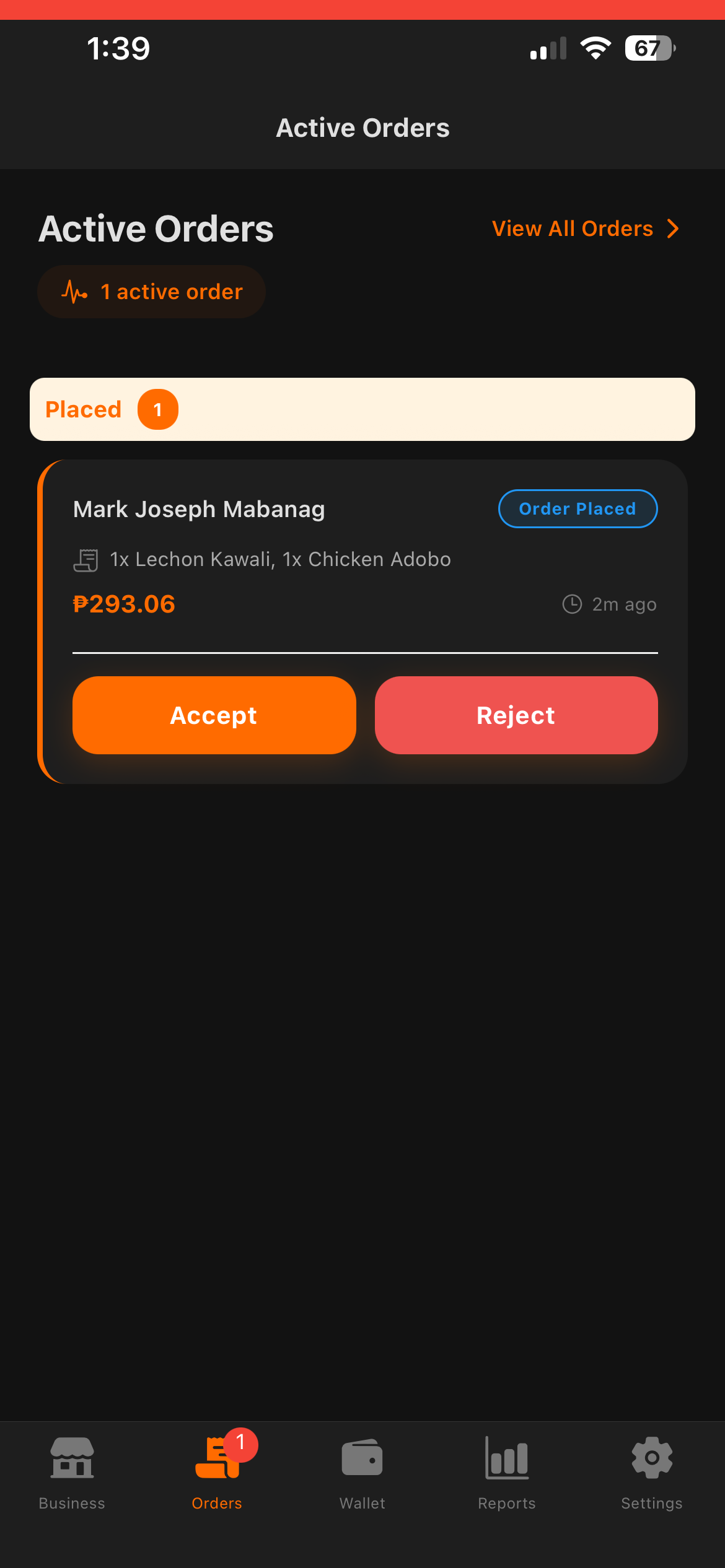
Receive Orders
Get notified instantly when orders come in. Accept, prepare, and mark orders as ready for delivery or pickup.
Track & Grow
Monitor rider deliveries, view daily reports with delivery fees and surcharge breakdowns, and track your revenue growth with detailed analytics.
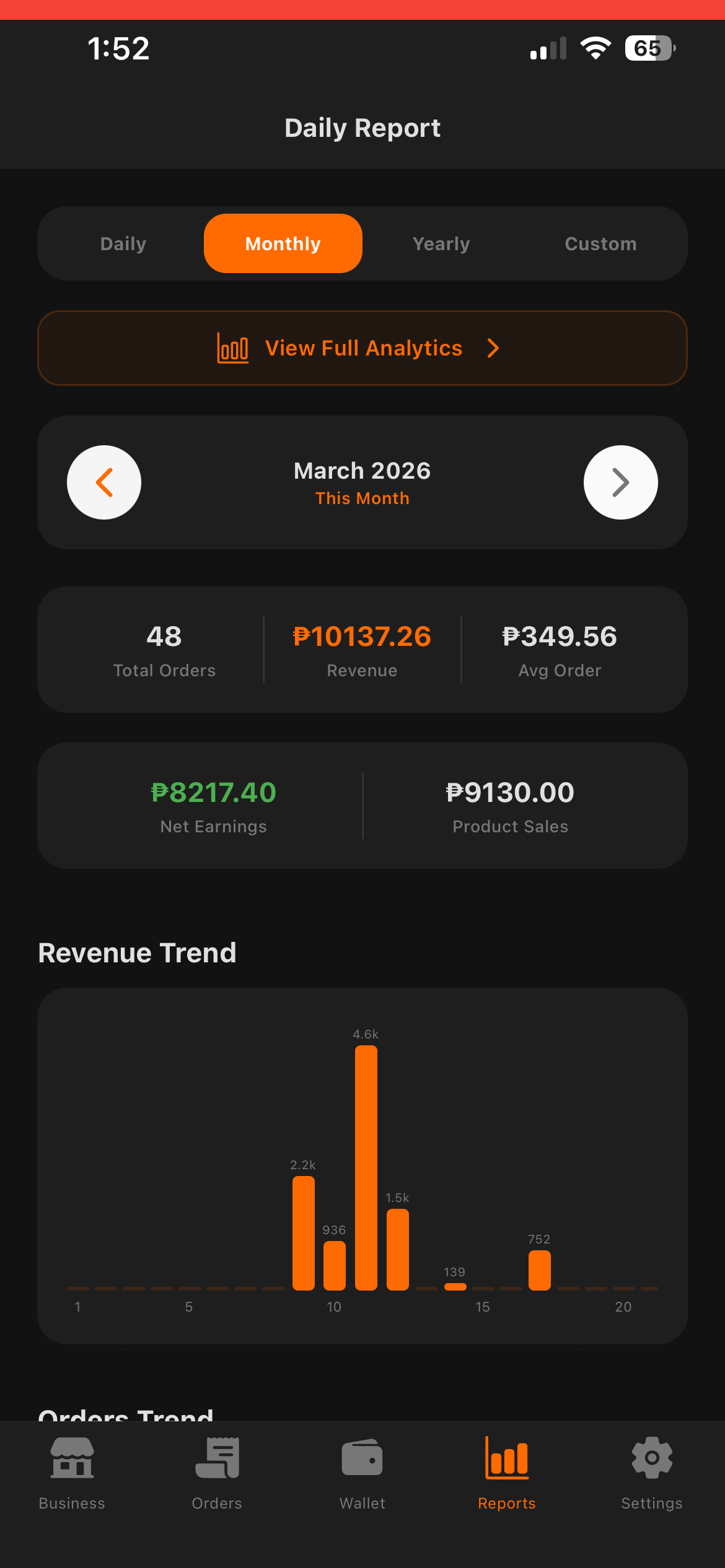
Wallet & Payouts
Track your earnings in real-time. View pending and settled balances, and request withdrawals via GCash or bank transfer.
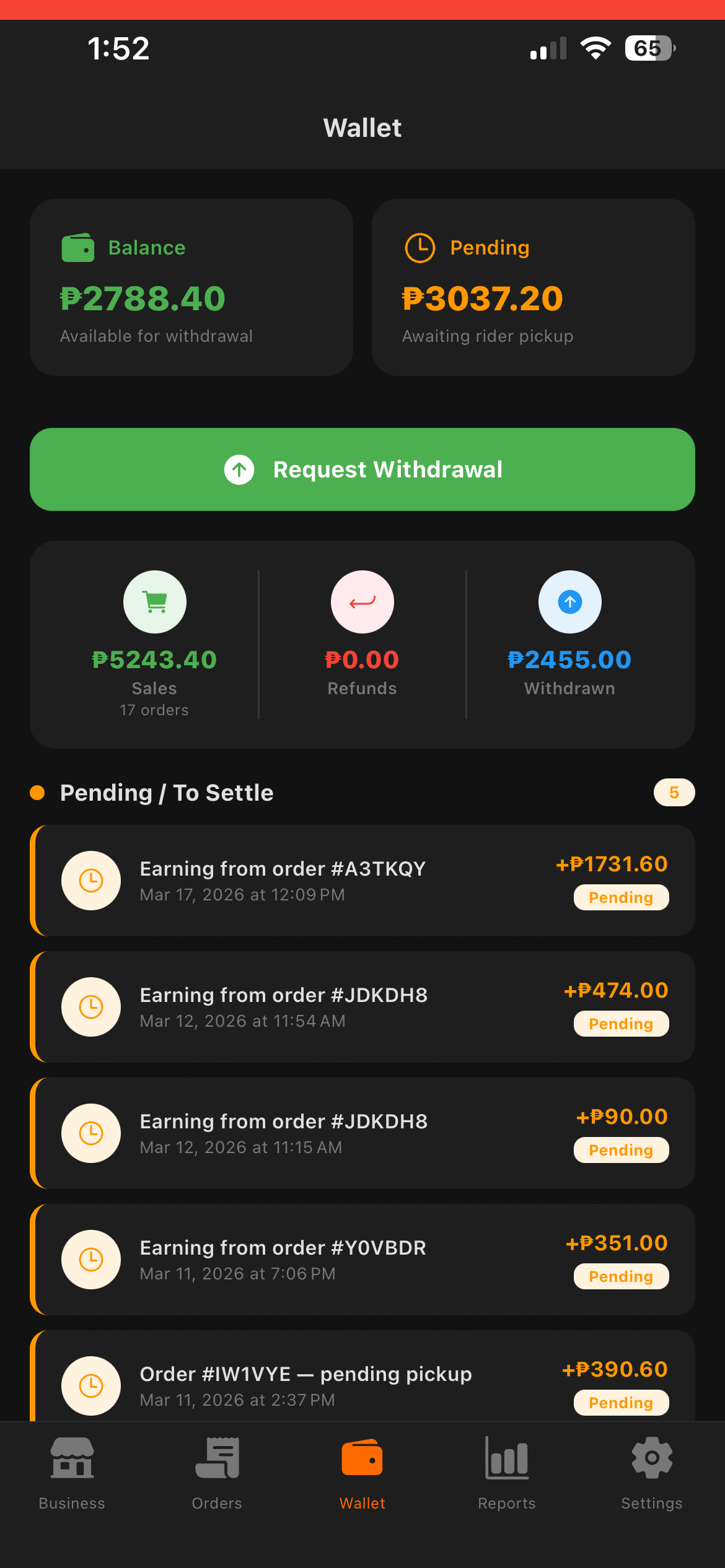
For Riders
Start Earning in Minutes
Accept jobs, navigate, deliver, and get paid. Toggle your availability to go online or offline, earn achievements and badges as you progress, track fuel and mileage for expense management, and use the demand heat map to find busy areas.
Sign Up
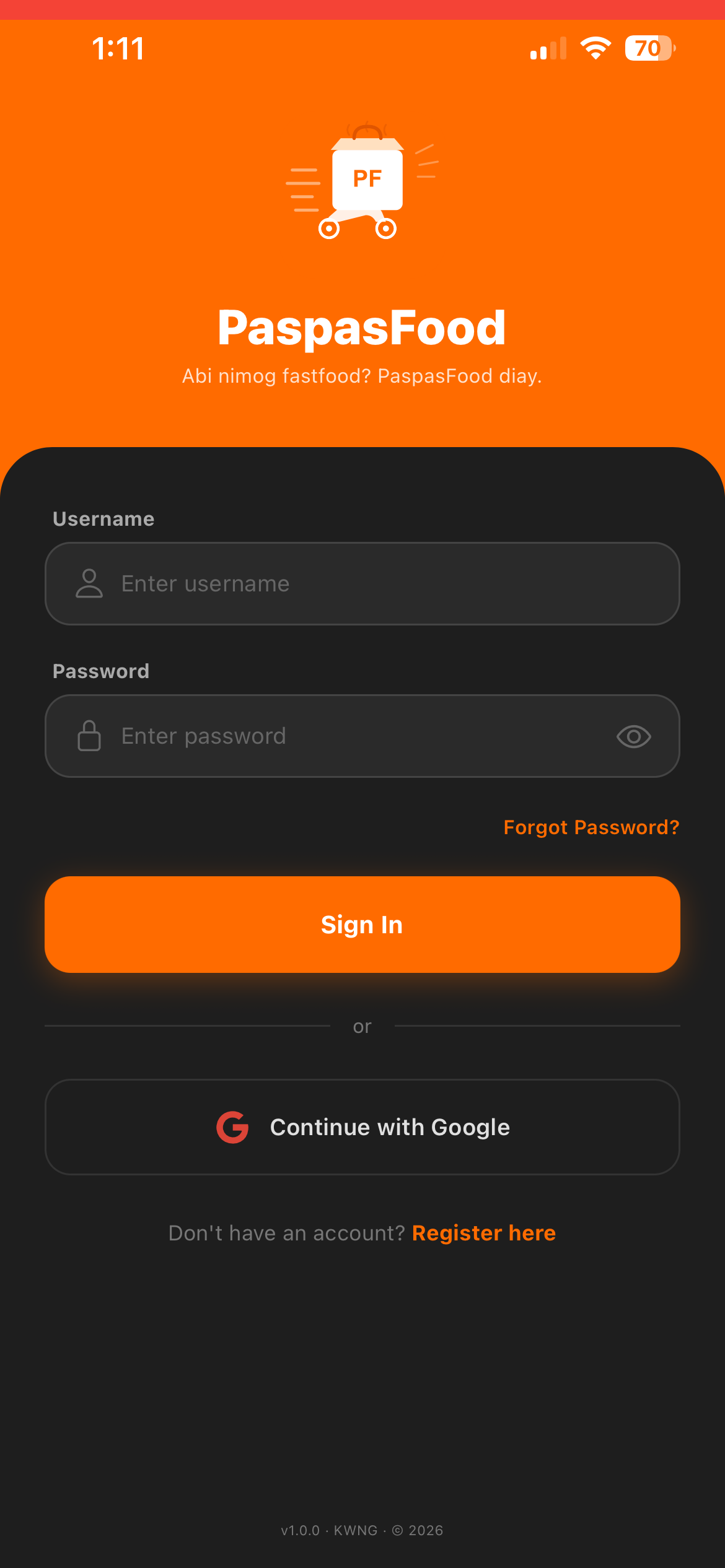
Register as a rider, upload your driver's license and selfie for verification, then wait for admin approval.
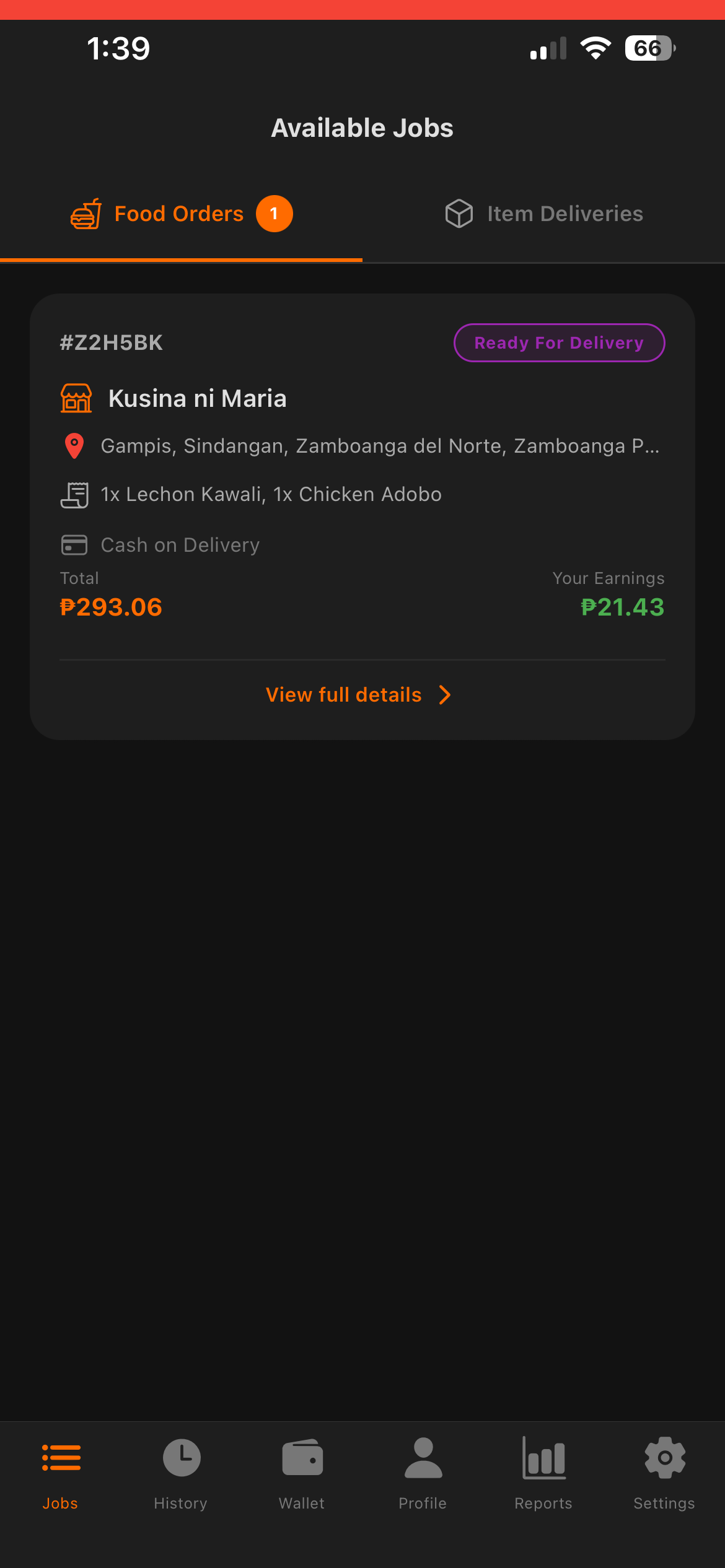
Browse Jobs
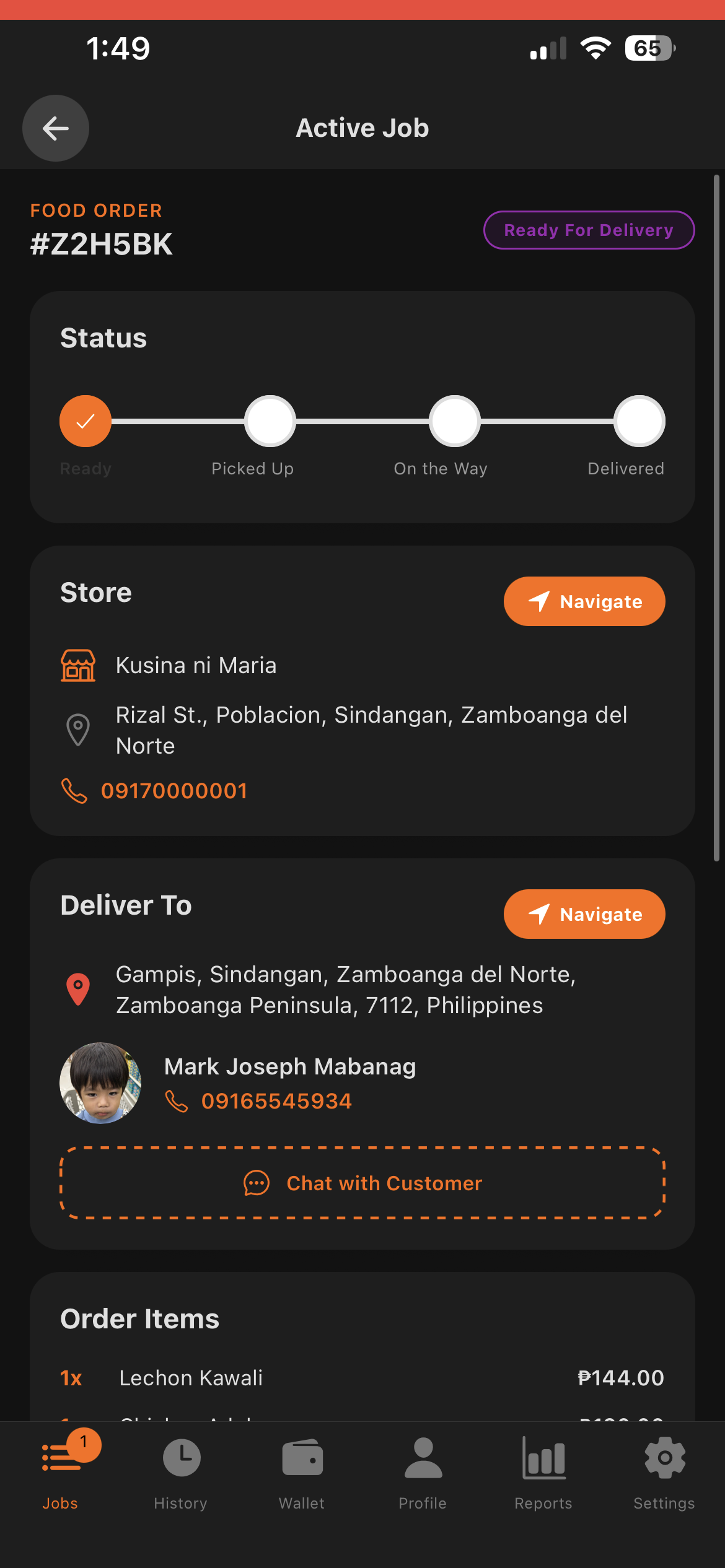
View available food delivery and item delivery jobs. See your net earnings upfront and tap to view full details before accepting.
Pick Up & Deliver
Navigate to the store or pickup point using in-app maps, track your earnings in real-time including any weather surcharges, then deliver to the customer.
View History
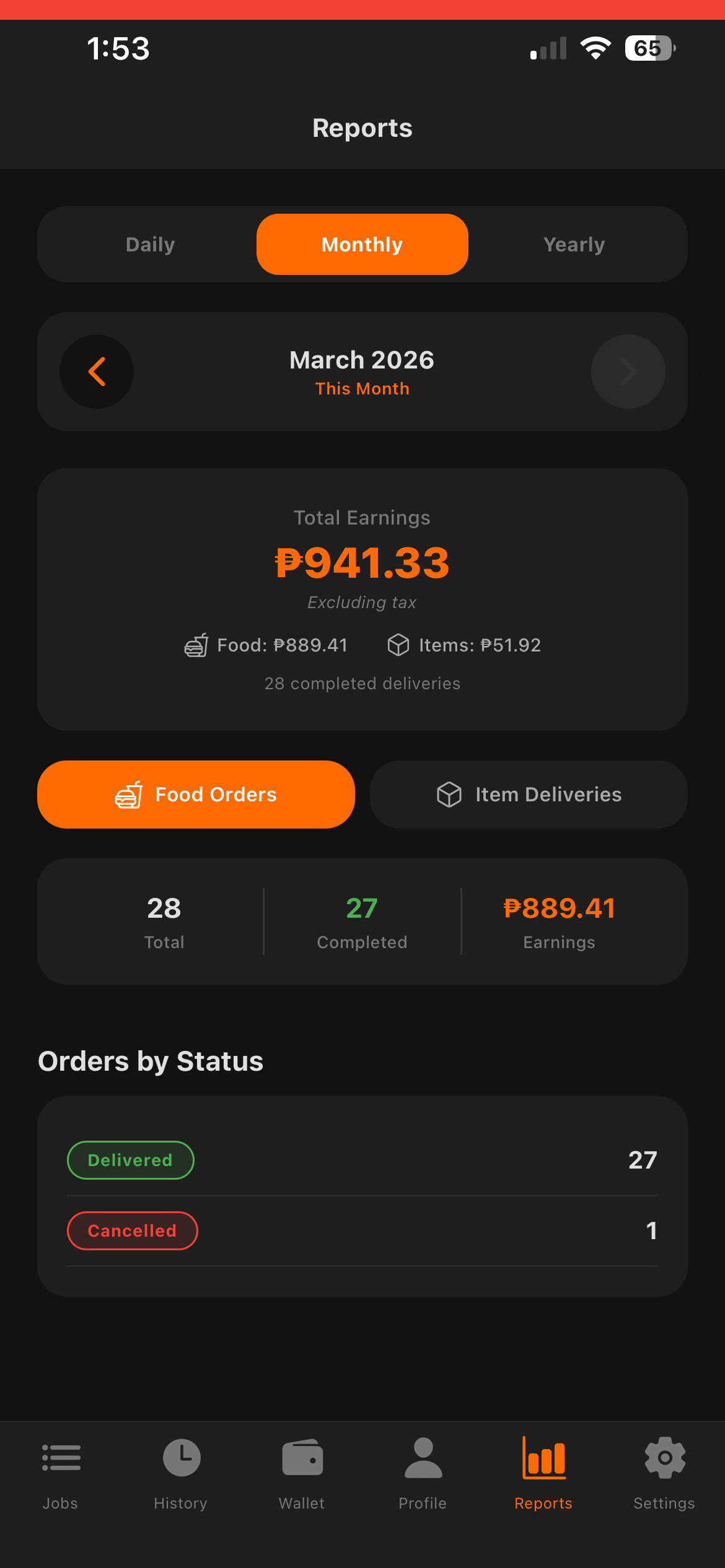
View your completed deliveries with detailed earnings breakdown — delivery fees, weather surcharges, commission, VAT, and net pay.
Wallet & Earnings
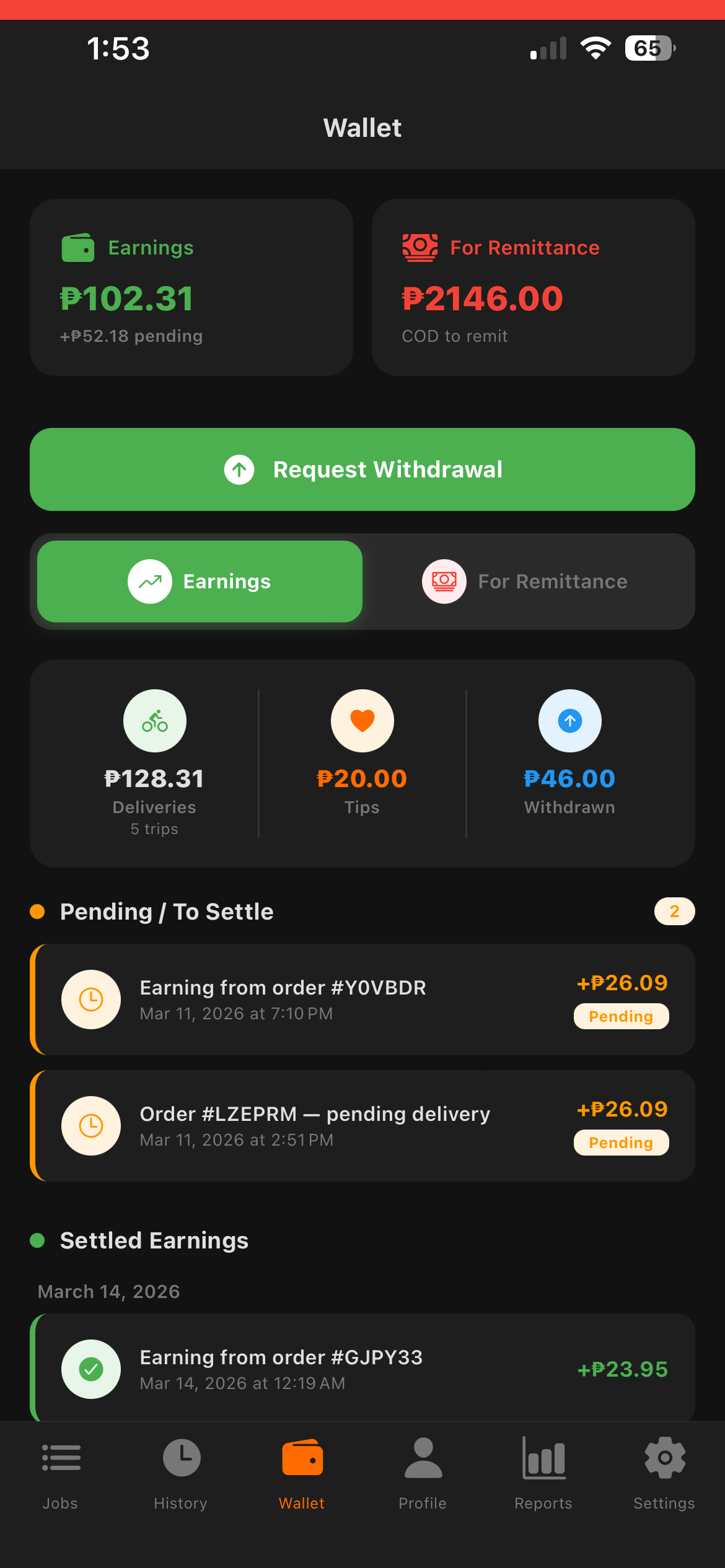
View your earnings, tips, and pending balances. Track COD collections to remit, and request withdrawals anytime.
Item Delivery
Send Items Across Town
A simple process to get your items delivered safely.
Set Locations
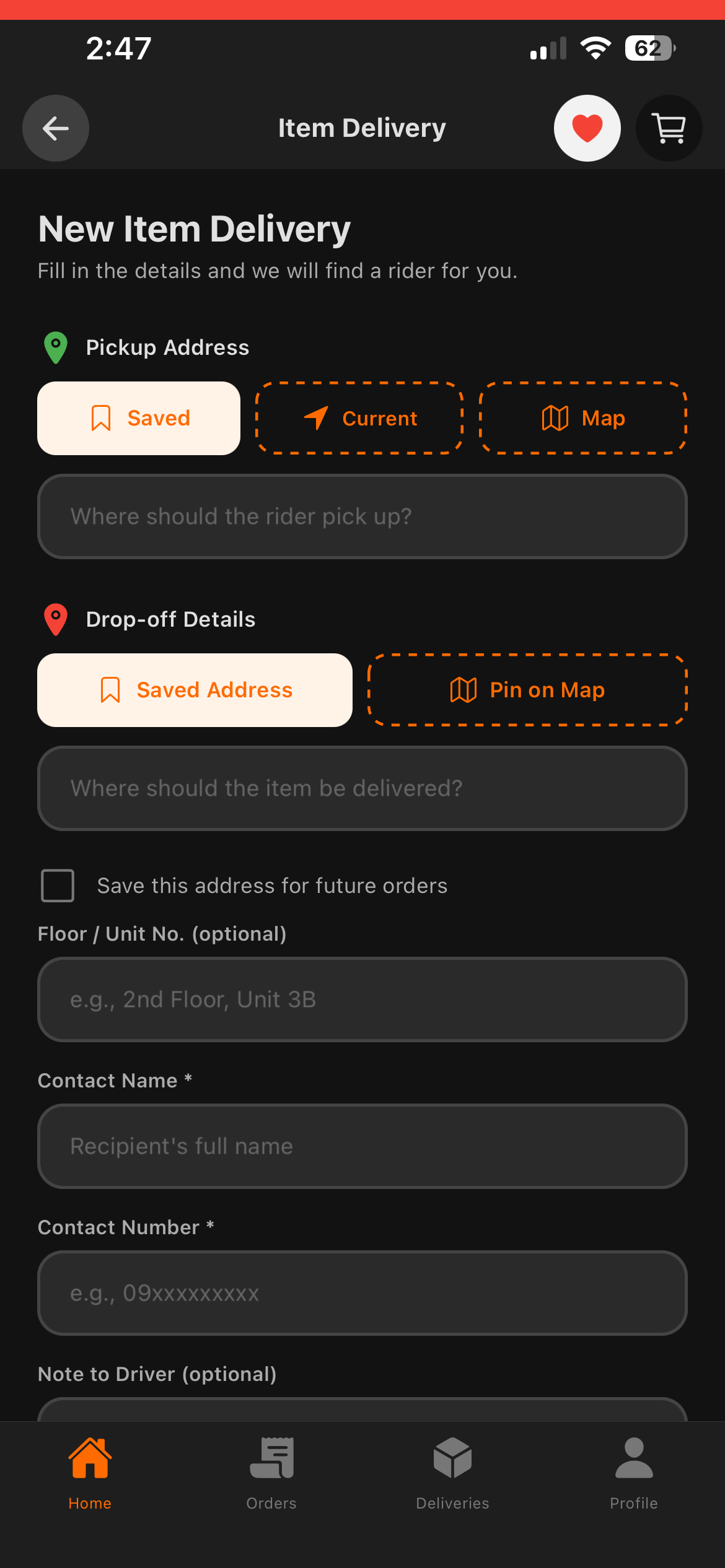
Enter pickup and drop-off addresses or use "Pin on Map" to drop a pin, add contact details for the recipient.
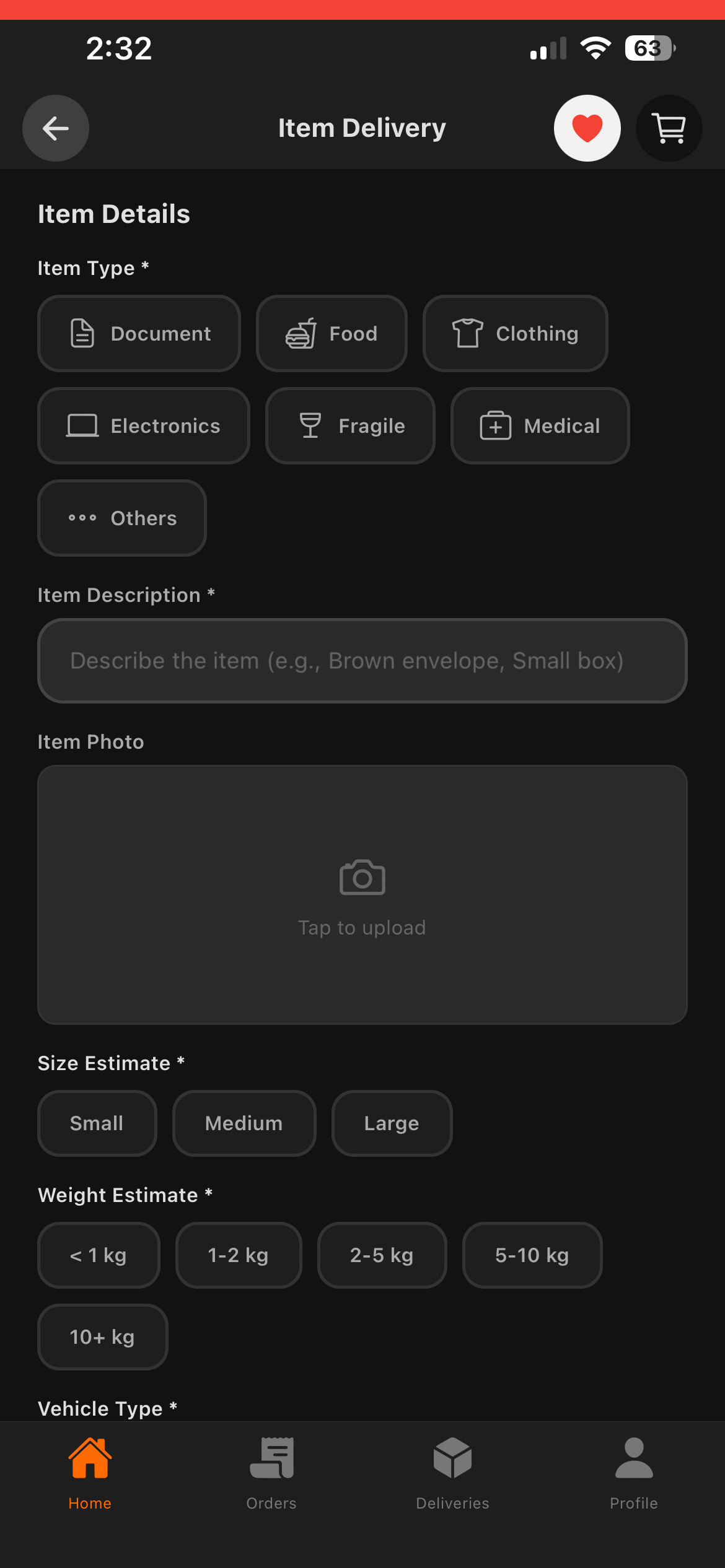
Item Details
Choose item type (document, electronics, medical, etc.), describe the item, add photos, and select size & weight.
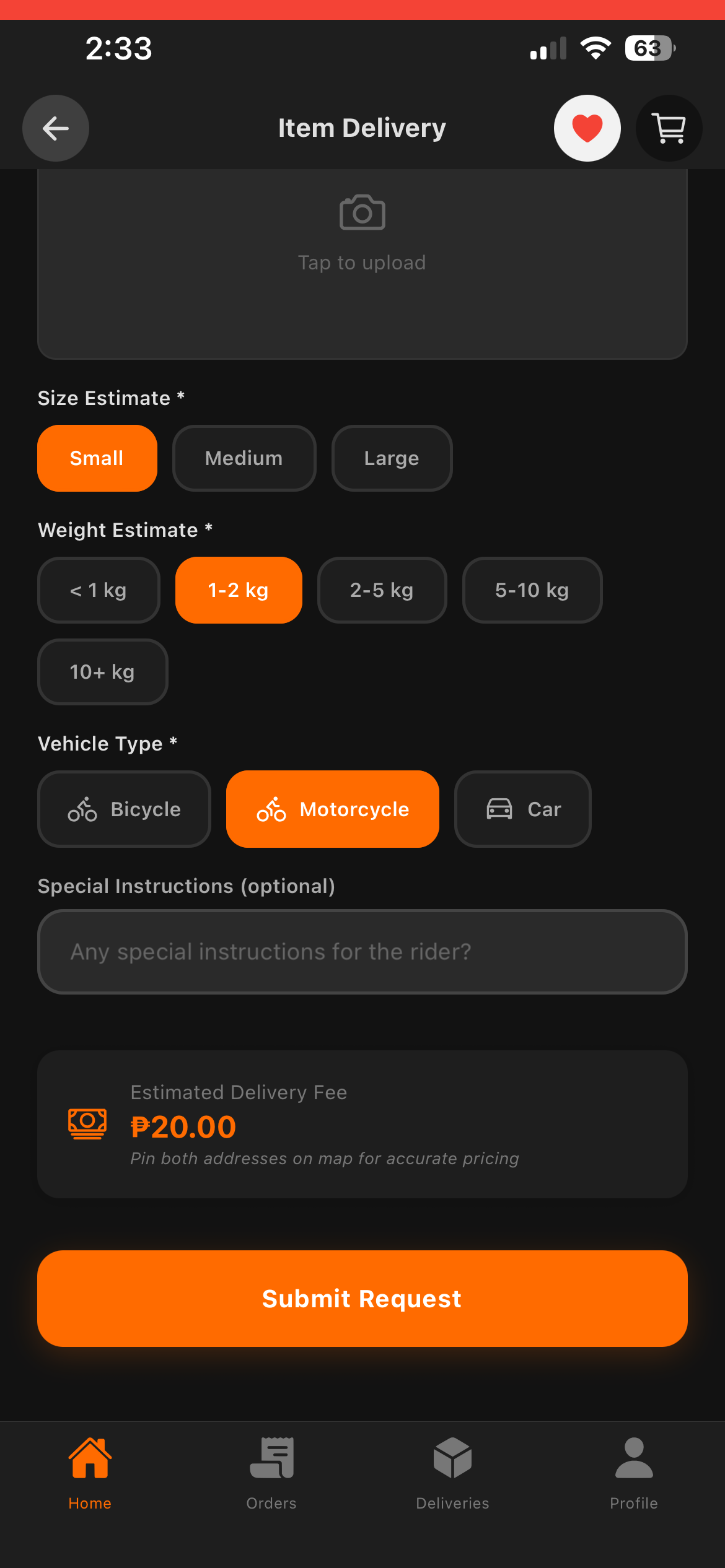
Submit & Track
Choose vehicle type, review the delivery fee, submit your request, and track the rider in real-time.
For Admins
Full Control at Your Fingertips
A powerful admin panel to manage the entire PaspasFood platform.
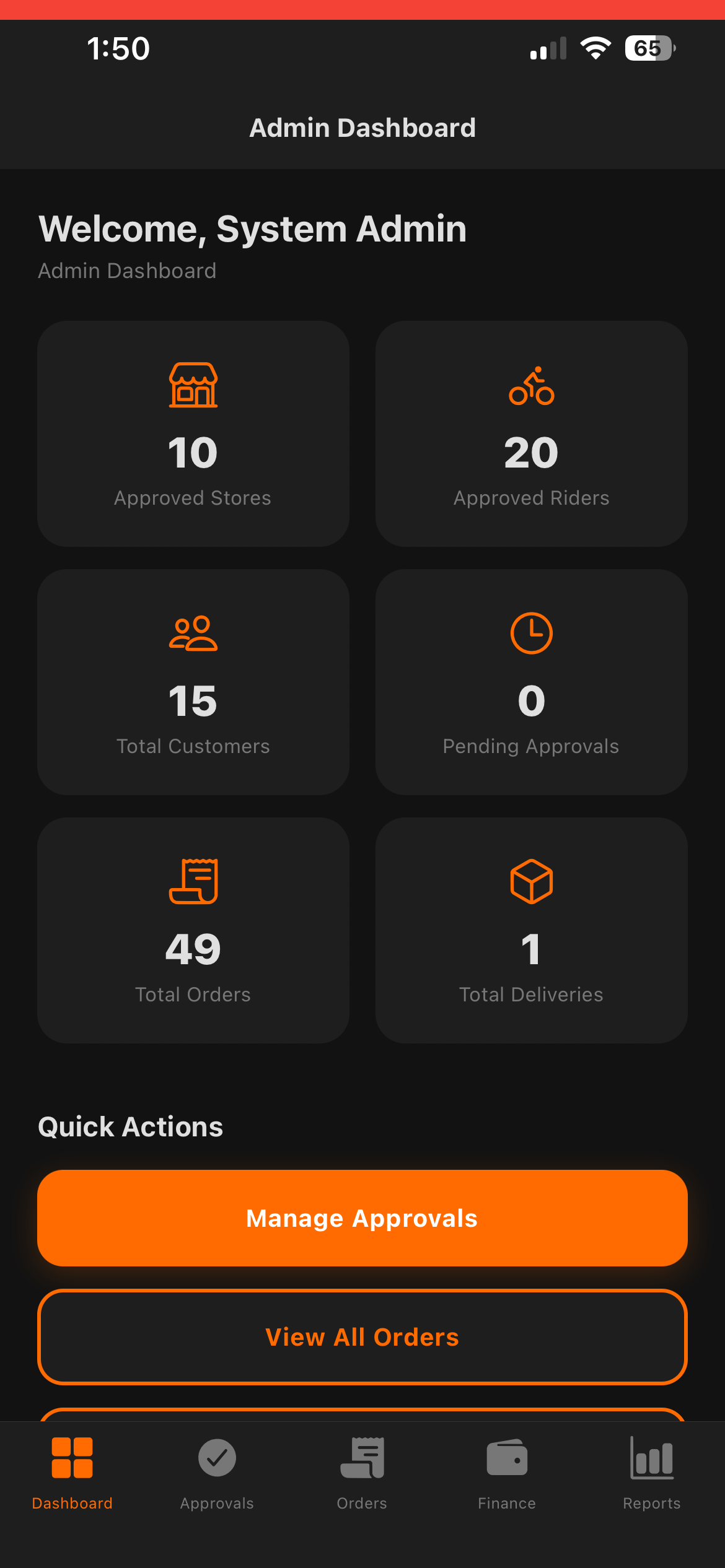
Dashboard
Get an overview of stores, riders, customers, orders, and deliveries — all at a glance.
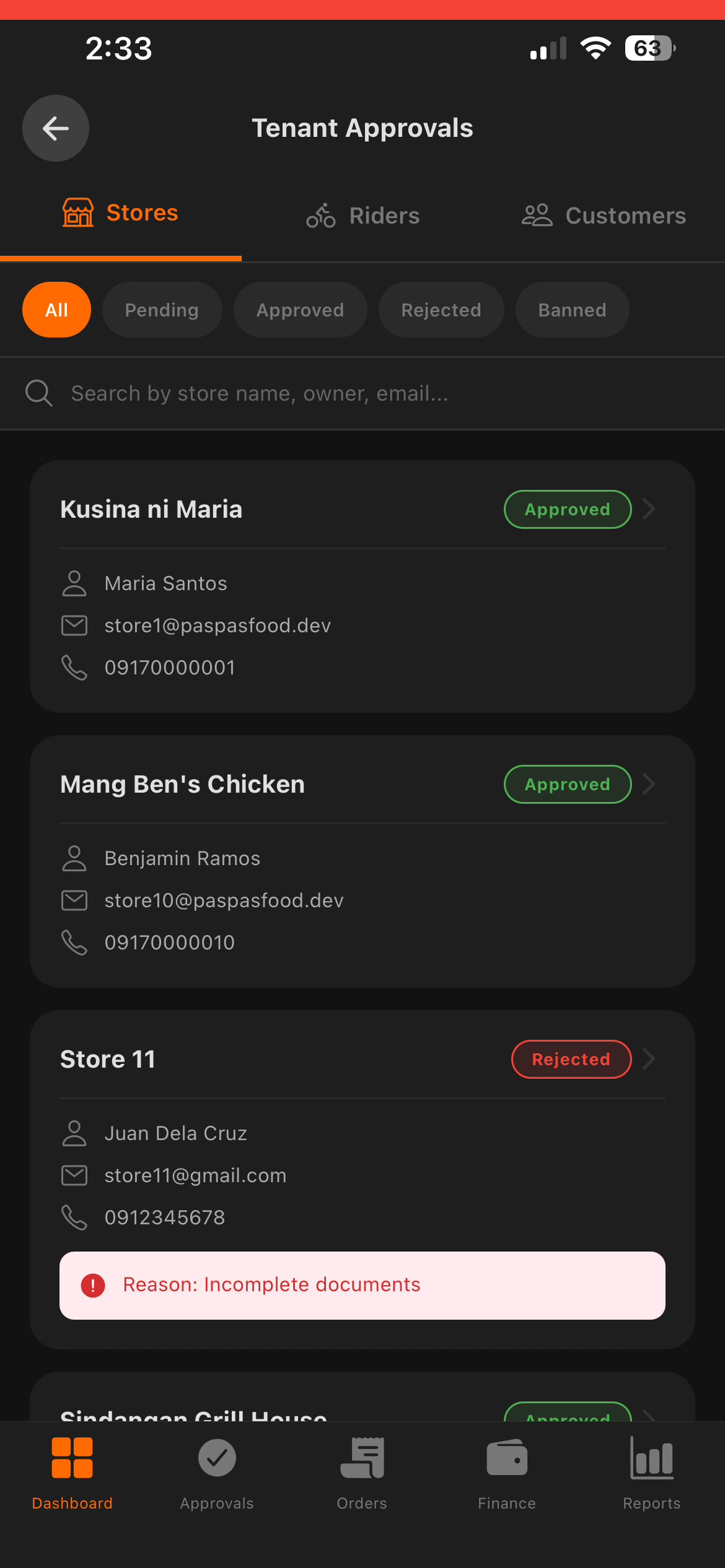
Manage Approvals
Review, approve, or reject store and rider applications. Filter by status and manage tenant accounts.
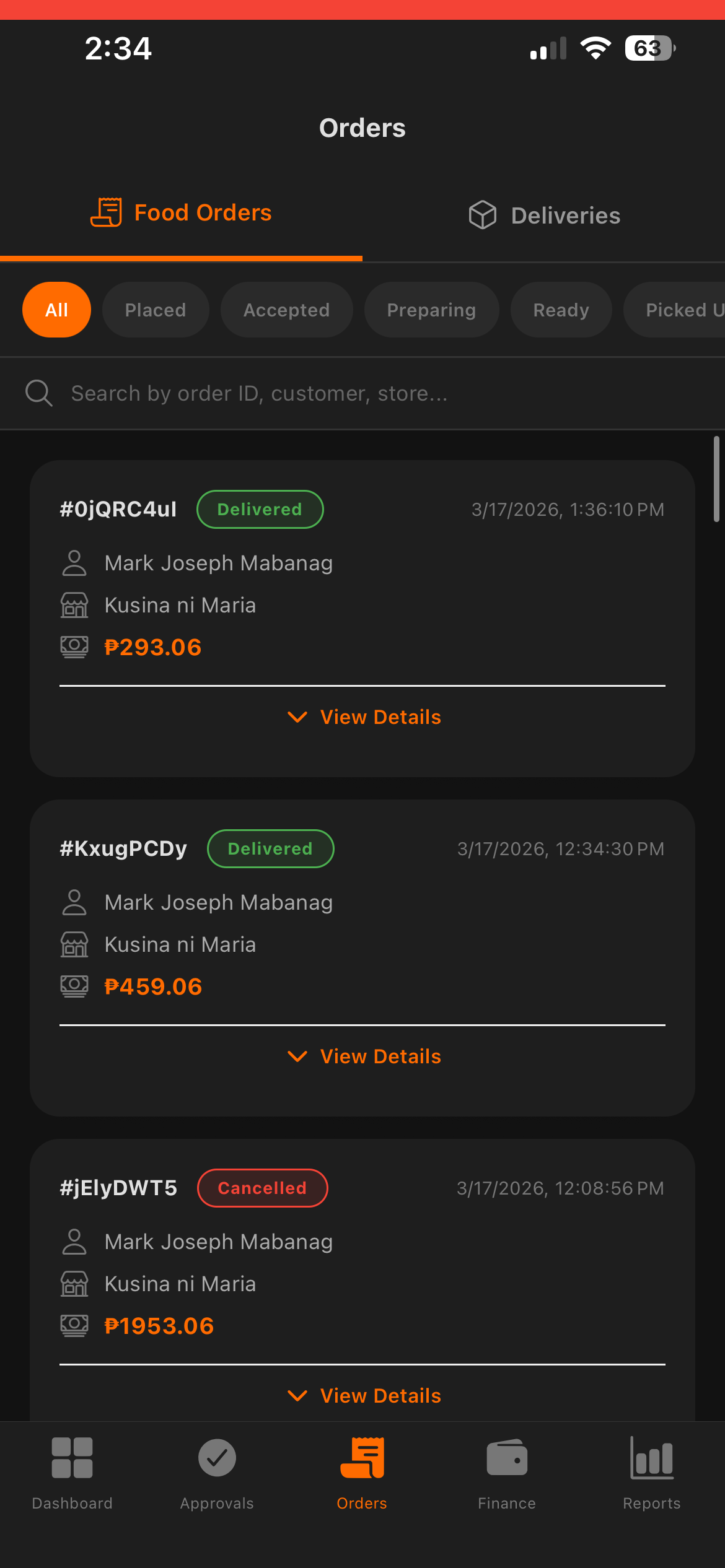
Monitor Orders
View all platform orders in real-time, filter by status, and cancel problematic orders when needed.
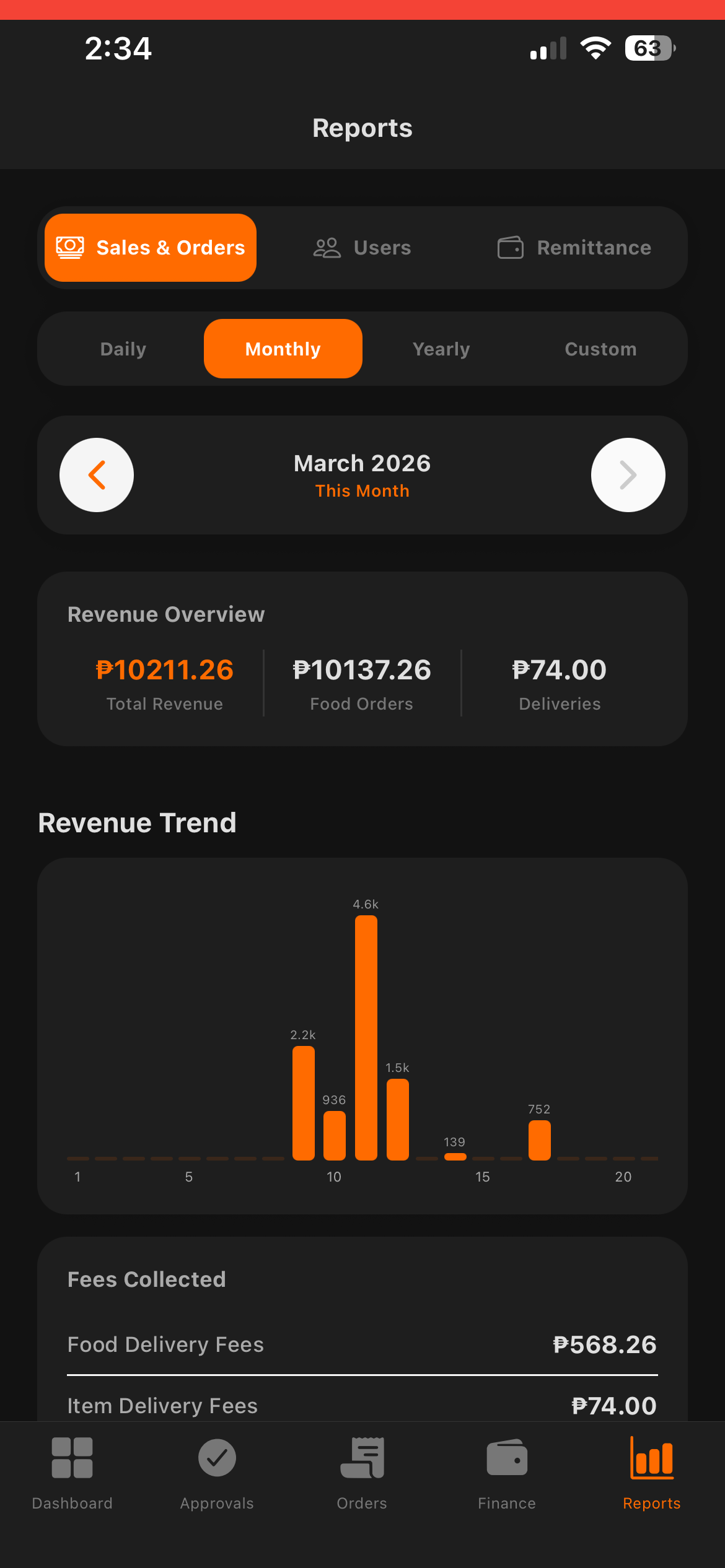
Reports & Analytics
View daily, monthly, and yearly reports — revenue, fees, VAT breakdown by source, order volume, and user registration stats.