Download PaspasFood
Get the app on your favorite platform. Available soon on iOS and Android.
Get the App
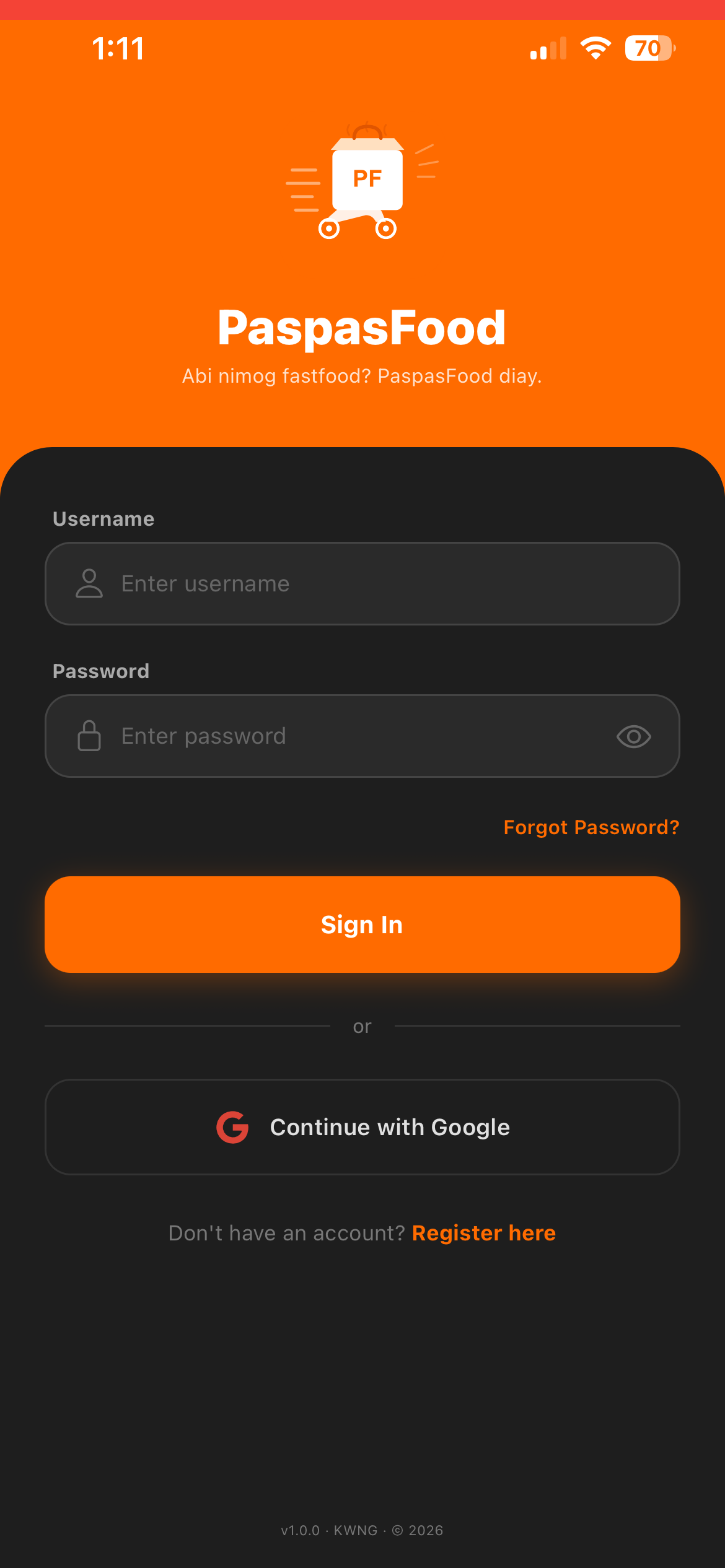
PaspasFood is live on Google Play. Scan the code or tap the button below. The iOS app is still on its way.
Scan to install
Point your phone camera at the code to open PaspasFood on Google Play.

Or open play.google.com/store/apps/details?id=com.kwng.paspasfood
On iPhone?
PaspasFood is not on the App Store yet. Until it is, you can install the web version straight to your Home Screen — no App Store, no account needed.

- Open paspasfood-app.vercel.app in Safari
- Tap the Share button at the bottom
- Choose Add to Home Screen
- Open PaspasFood from your Home Screen
Finish step 4, or you will get no notifications. The web version alerts you when your order is accepted and when your rider is on the way — but only from the icon on your Home Screen, never from a Safari tab. Open it there once and tap Allow when it asks about notifications. Everything else — ordering, Pasugo, addresses and payment on delivery — works the same.
It must be opened in Safari — Chrome on iPhone has no “Add to Home Screen”.
Requirements
System Requirements
iOS
Requires iOS 14.0 or later
iPhone, iPad compatible
Android
Requires Android 6.0 or later
Most Android phones supported